CEDAR Release 2.4
We released version 2.4 of the CEDAR Workbench on September 6, providing more user features and enhancements.
OpenView offers public option for CEDAR artifacts
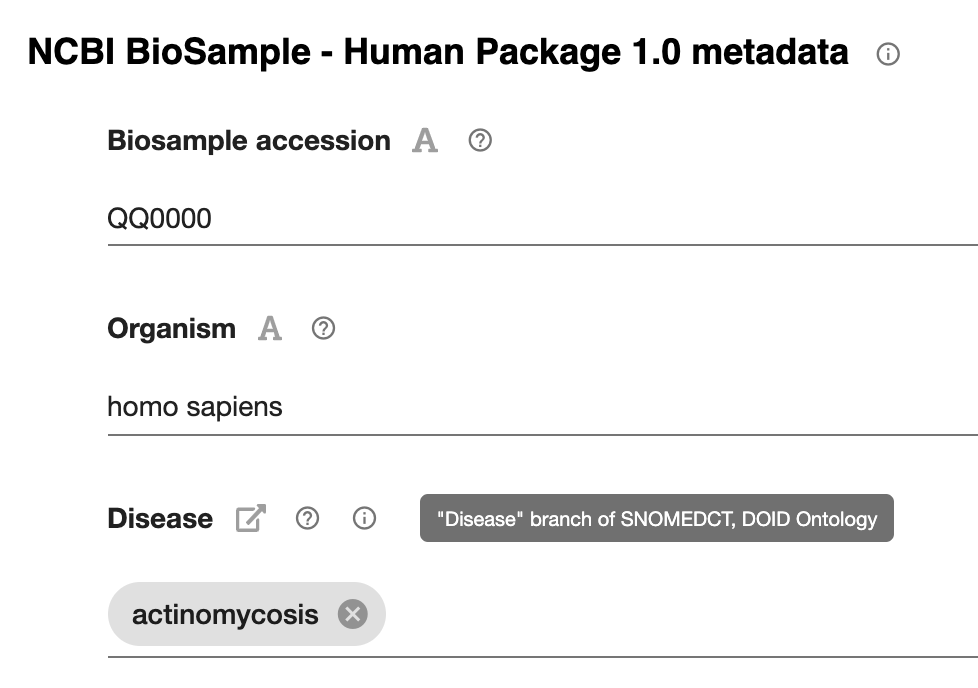 Did you ever want to show your template or metadata values to a colleague, without logging in? Do you want to view all your metadata on the web? Or maybe you’d like an IRI that anyone can use to see your work?
Now you can make your CEDAR artifact—metadata instance, template, element, or field—visible on the web. CEDAR’s OpenView service presents the CEDAR artifact as a publicly visible web page, with pop-up metadata descriptions and access to JSON and RDF views of the content. To make public your template, element, or field, simply enable OpenView from the workspace menu for the artifact. For now, if you want to make your metadata public, the template it’s based on must also be public—we can help you with this.
Instructions for CEDAR’s OpenView feature may be found at its CEDAR manual page.
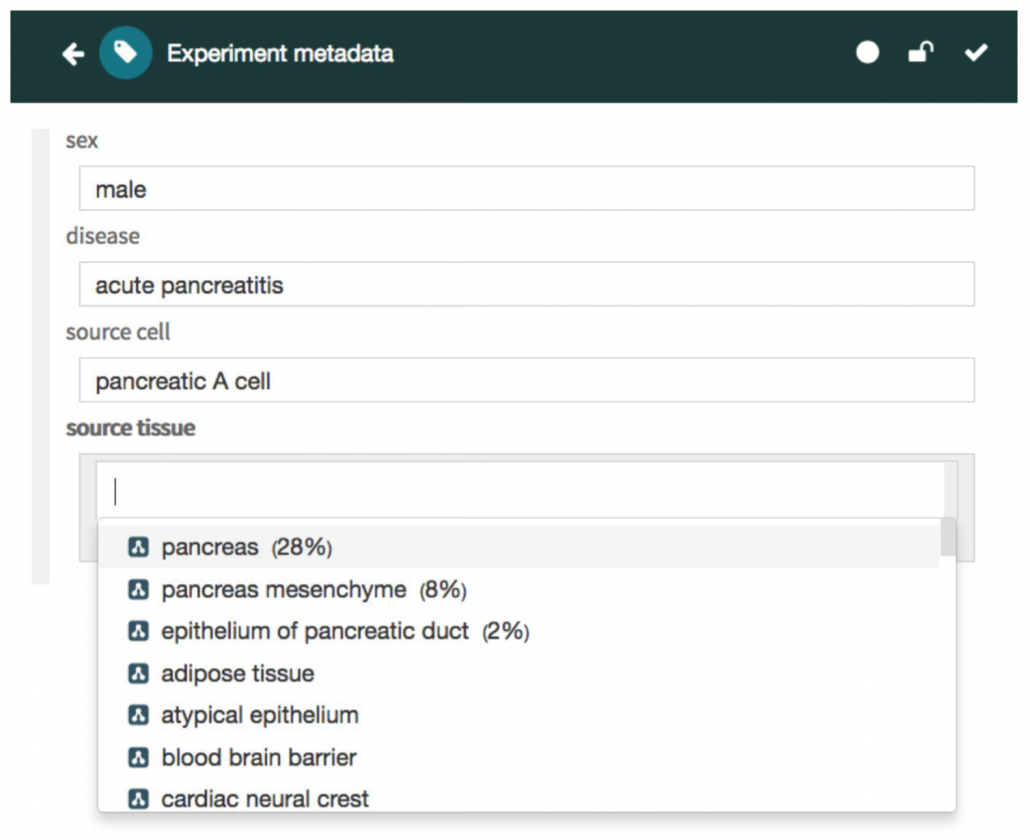
Read more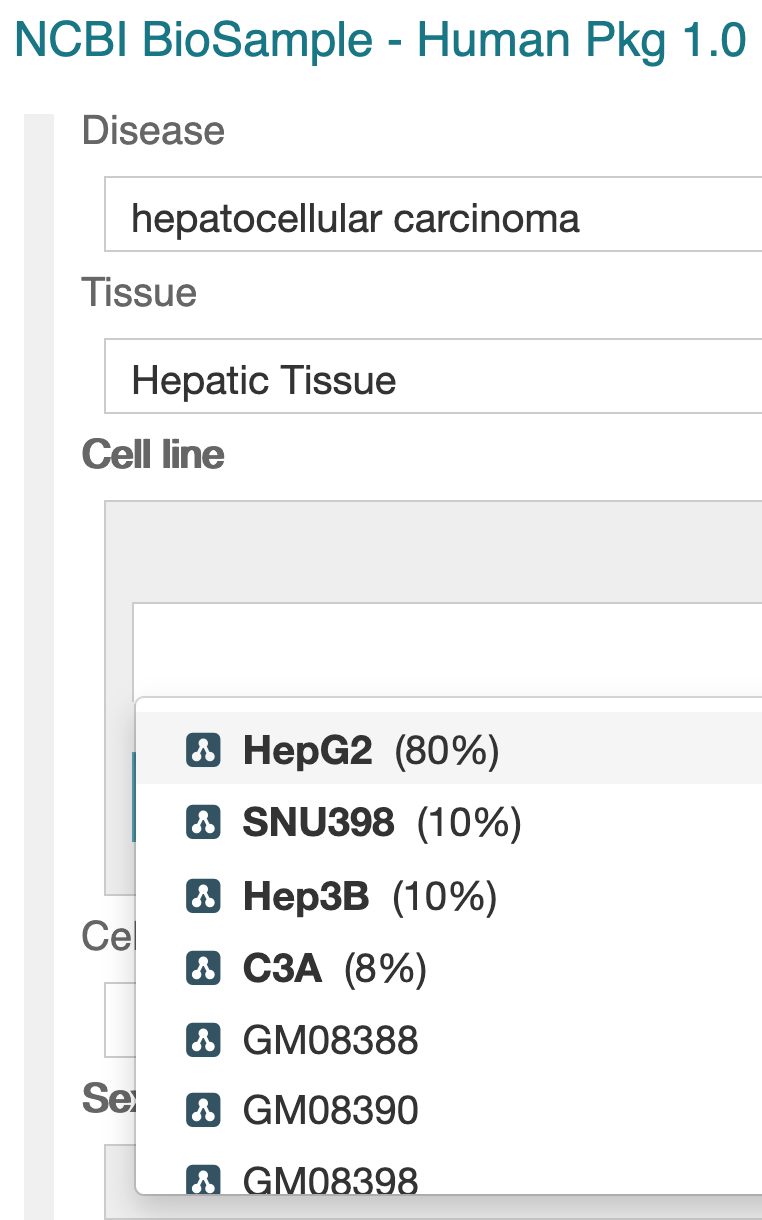 We significantly updated CEDAR’s value recommendation capabilities in this release. The new approach adopts a powerful mechanism to suggest new values for fields in a templates as users fill in those fields. If the template creator enables the value recommender for at least 2 text fields (using each field’s SUGGESTIONS tab), CEDAR will find patterns across all the previously entered values for recommendation-enabled fields. If those patterns are strong enough over many metadata instances, CEDAR will recommend values to a user based on the (enabled) values that the user has already filled in.
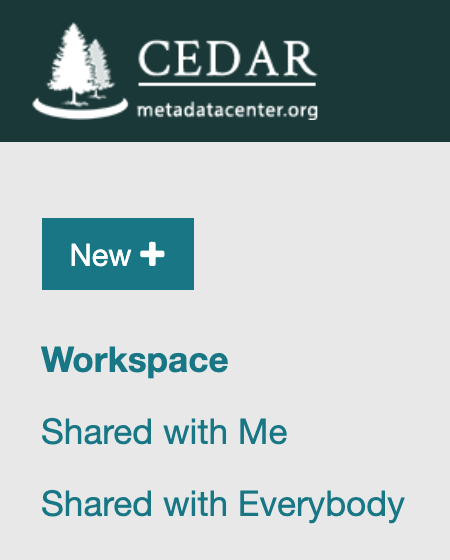 CEDAR now provides Shared With Me and Shared With Everybody modes on the workspace to let users see globally shared resources, or just resources explicitly shared with them. The default Workspace view just shows the files you own and administer. Shared with Me shows content that someone shared with you directly; and Shared with Everybody shows content that all CEDAR users can see (there are a lot of those!).